
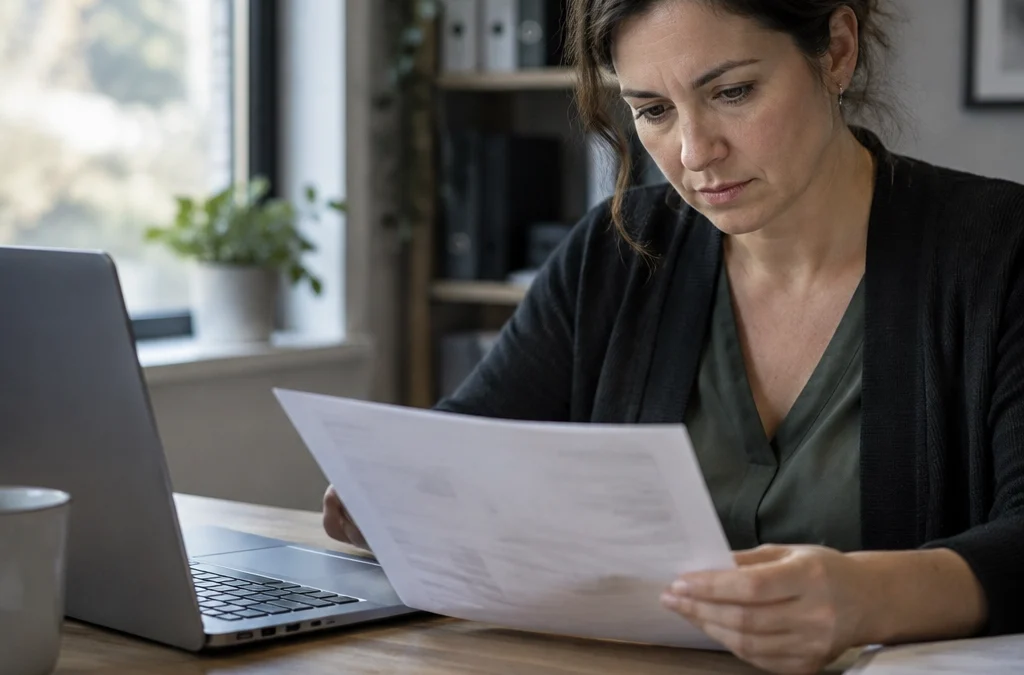
The CW Corner – The Fake Invoice Email: How to Spot a Payment Scam Before You Pay
What a fake invoice email looks like
A fake invoice email can look like an ordinary bill arriving during a busy workday. It may mention hosting, printing, office supplies, a subscription renewal, or a service you forgot about. The sender may use a supplier’s name and familiar business language.
The amount may seem modest, making the bill less likely to attract questions. Some messages include an invoice as a Portable Document Format (PDF) attachment and a payment link. Others have no attachment. They simply ask you to “update our banking details.”
An invoice that looks professional is not automatically genuine. Logos, signatures, and familiar wording can be copied. And a message that appears inside an existing conversation may still deserve a careful check.
Why small businesses get targeted
A fraudster often needs only a few useful details: your business name, a supplier’s name, and who handles payments. Some of that information may appear on your website, social media, or public business listings.
There does not have to be a dramatic computer break-in. An attacker may patiently gather details, then send a message that fits your everyday routine. For example, a business that regularly pays a printer may receive a believable invoice from someone pretending to be that printer.
The message may be convincing because it refers to a real business relationship. That is why knowing your payment routine matters as much as spotting suspicious wording.
The bank-detail change message, the most expensive version
A supplier, or a supposed new finance contact, may say their bank account has changed. They ask you to send future payments to different details, sometimes while an invoice is due.
Watch for a request that arrives late in the week, uses a slightly different reply address, or pushes you to act quickly. Those clues do not prove fraud, but they are reasons to pause. The message may come from a lookalike address or a mailbox that someone else can access.
Follow the call-back rule: phone your supplier using a number already saved in your records. Do not call a number supplied in the email or invoice. Do not confirm the change by replying to that email.
Ask the supplier to verify the change during the call. Then record who confirmed it and when. A brief phone check is far less disruptive than sending money to the wrong account.
The owner impersonation version
A message that appears to come from the owner may ask a bookkeeper to handle a confidential payment quickly. It may say the request is sensitive, unusual, or not to be discussed with other staff.
This can work because people may hesitate to question the boss. A familiar display name can also make a message seem trustworthy, even when the actual sender address differs.
Use a second channel to verify the request. Agree in advance that urgent payment instructions must be confirmed in person or through a known phone number. A normal confirmation process protects the owner and the employee handling the payment.
Six checks before you pay any invoice
Before paying, take a moment to check the details. Ask yourself:
- Is the sender address exactly right, not just the display name?
- Does the invoice match a purchase order, contract, or quote you actually have?
- Did the bank details change recently, and did you hear about it by email only?
- Is the request pushing you to act today, or to keep it quiet?
- Is the attachment a file type you would expect, such as a PDF? A ZIP archive or HTML file is unexpected.
- Does the phone number or address on the invoice match your records?
One unusual detail is enough to justify a pause. Check using information you already trust, not contact details supplied with the unexpected request.
What to do when you have already paid
Act quickly, but stay calm. Call your bank using its official number and explain that the payment may have gone to a fraudulent account. Ask whether the bank can request a recall or take other urgent action. A recall is not guaranteed, but contacting the bank promptly matters.
Report the incident through an appropriate fraud-reporting or law-enforcement channel. Tell the genuine supplier, using a contact method you already trust. Their business may also need to check for suspicious activity.
Tell your Information Technology (IT) or web support person. Ask them to check the mailbox for unfamiliar forwarding rules or other unauthorized changes. Change affected passwords from a different, trusted device, and consider turning on two-factor sign-in.
Keep the original messages and payment details for reference. For a fuller account-security checklist, read our email account recovery walkthrough. It covers mailbox recovery in more depth.
Simple habits that block many of these scams
Set a workplace expectation that “we can pay this today” is fine to say. No one should get in trouble for asking a payment question. That reassurance makes it easier for staff to pause when something feels unusual.
Approve new suppliers by phone, using contact details found independently. Require two people to review payments above an amount your business chooses. Keep a written list of trusted supplier bank details, ideally somewhere outside your email system.
Turn on email authentication for your business domain. Sender Policy Framework (SPF), DomainKeys Identified Mail (DKIM), and Domain-based Message Authentication, Reporting, and Conformance (DMARC) help receiving systems check whether messages claiming to come from your domain are authorized. They can help reduce direct domain spoofing, but they do not catch every lookalike address or compromised supplier mailbox. Learn more in our guide to SPF, DKIM, and DMARC.
Good passwords and careful habits support these safeguards. A password manager can help staff use unique passwords for important accounts.
For a broader introduction to suspicious messages, see our guide to phishing scams. Clearer, more polished wording can make a message harder to judge by appearance alone. Our article on AI-powered phishing emails explains why grammar is no longer a reliable test.
Make verification part of the routine
An unexpected invoice is not rude to question. A trusted supplier should understand why you verify payment details before sending money.
You do not need to suspect everyone. You need a steady process that works for every payment, even on a busy day. Slowing down is the cheapest defence you own, and a quick call can prevent a costly mistake.










 European Union General Data Protection Regulation Compliant